|
Dear customers: If you have any advice, please feel free to contact us. We will take action as soon as possible.
|
M: Point LayerViews:221times
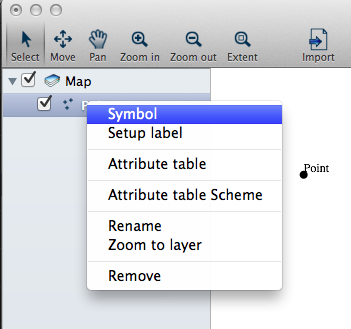
4. Symbol (1) Methods to open [Point symbol] . Method One: Select the point layer and right-click the mouse, Click [Symbol].
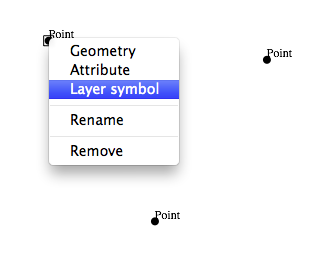
Method Two: Select one point, right-click the mouse, then click [Layer symbol].
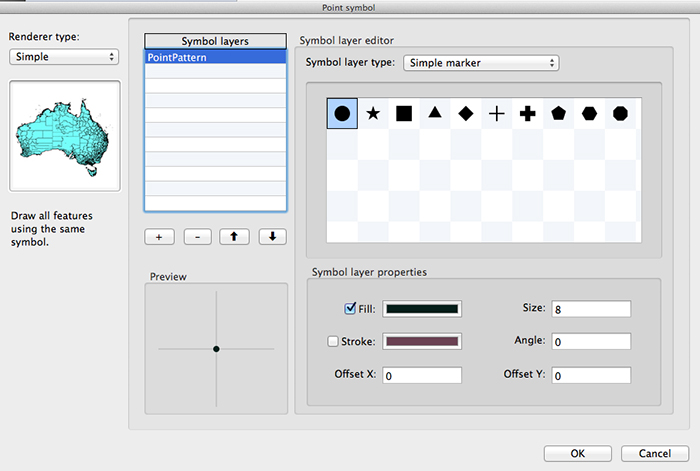
(2) Pop up the [Point symbol] dialog.
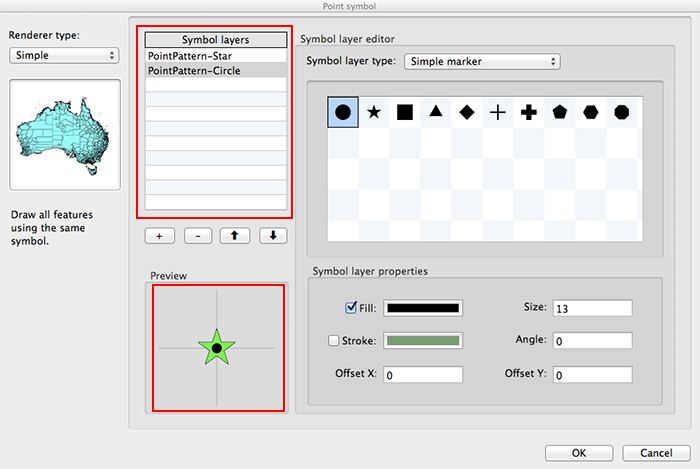
(3) Renderer type: Simple (See the following contents) ClassBreak (See M: Symbol__Renderer type__CalssBreak) Categories (See M: Symbol__Renderer type__Categories)
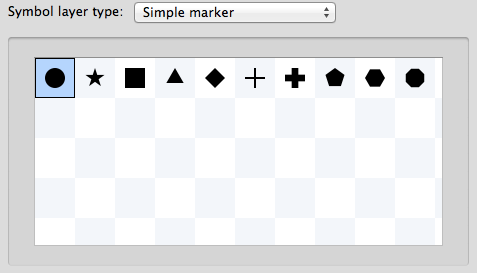
Symbol layer type: 1> Simple marker
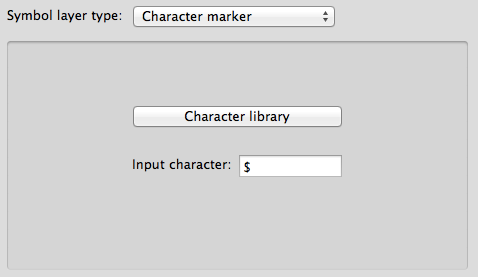
2> Character marker: You can enter any character (examples: ✈ ⚾ ☁ ☂ $ € ❆ ...).
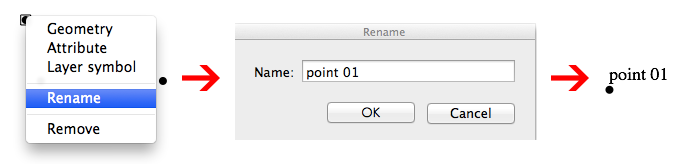
5. Rename Select one point and right-click the mouse, click [Rename]. Pop up the [Rename] dialog.
|